


Popular BC Game Deposit Methods in Mexico
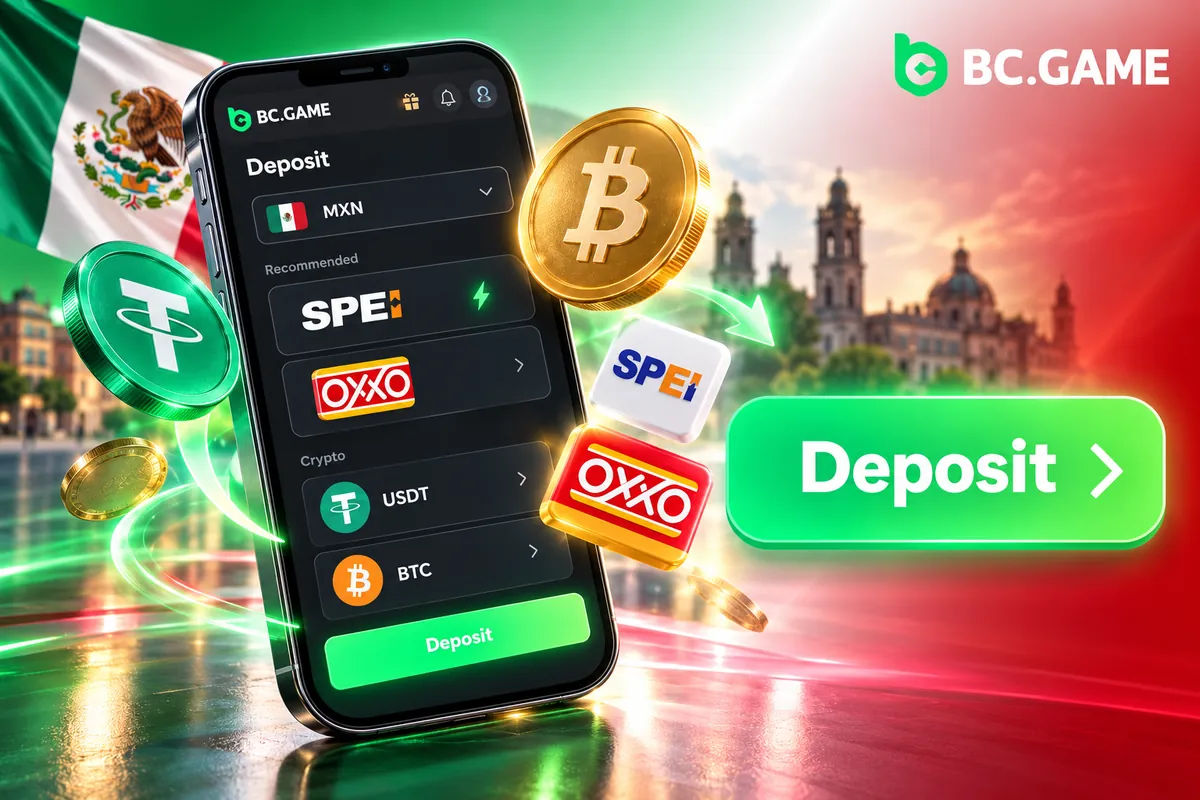
Deposits at BC.Game Mexico fall into four families: bank transfers, cards, cash and crypto. For pesos, the routes are SPEI and SPEI Web, local Visa and Mastercard cards, and the cash options OXXO, OXXOPAY and CASH. Crypto sits next to them for players who prefer to send funds from a wallet or an exchange. Limits differ from one method to another, so the table pairs every route with the amounts and timing to know before a payment starts. Check the final figures on the payment screen in the cashier before paying.
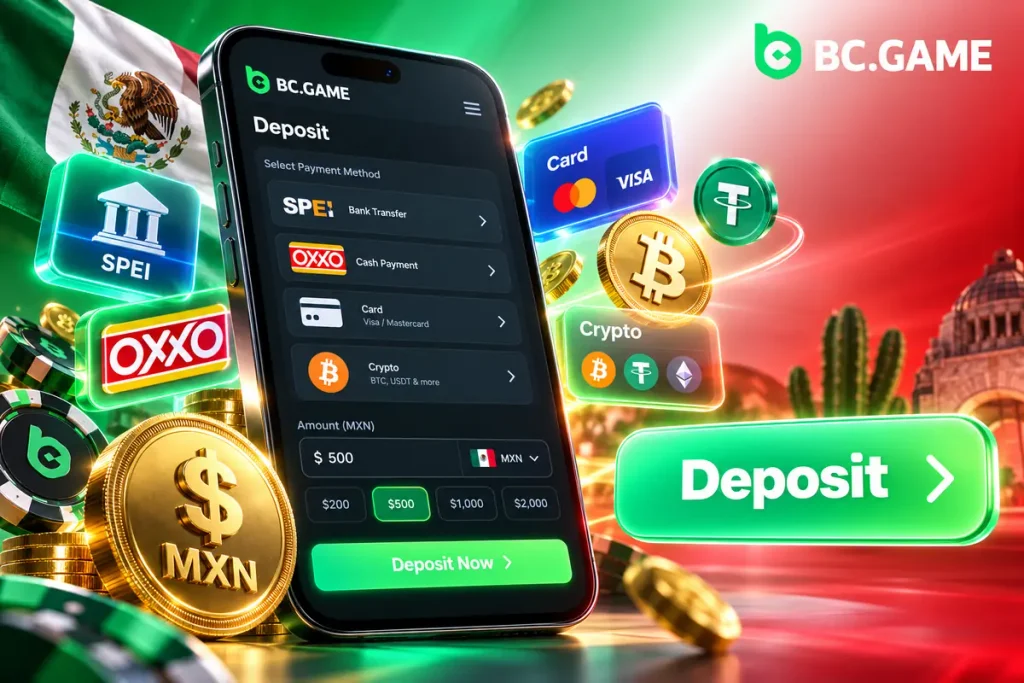
Table 1. Comparison of deposit methods at BC.Game Mexico
| Deposit Method | Payment Type | Min-Max Deposit | Processing Time | Fee |
| SPEI and SPEI Web | Bank transfer | From $10 to $50,000 MXN for SPEI | Credited after the bank confirms the transfer | Check the payment screen |
| Visa and Mastercard (local cards) | Bank card | From $20 to $50,000 MXN | Credited after the card payment is authorised | Check the payment screen; the issuing bank may add its own |
| OXXO and OXXOPAY | Cash at a store | From $10 to $10,000 MXN for OXXO | Credited after the OXXO network registers the cash payment | Check the payment screen |
| CASH | Cash payment | Check the cashier | Credited after the payment is registered | Check the payment screen |
| Cryptocurrencies (USDT, BTC, ETH, LTC, DOGE, BNB) | Blockchain transfer | The minimum depends on the coin and the network | Credited after the required network confirmations | Blockchain network fee, paid by the sender |
Overview of Financial Options for Mexican Users
Four options cover most deposits, and each suits a different situation: a banking app on the phone, a card, cash from a store or a crypto balance.
- SPEI (interbank transfer): a transfer from a Mexican bank account such as BBVA, Banorte or Santander, with amounts from $10 to $50,000 MXN;
- OXXO (cash payment): payment at the till of an OXXO store with a reference or barcode, with amounts from $10 to $10,000 MXN;
- Visa and Mastercard (bank cards): a direct deposit from a local card, from $20 to $50,000 MXN;
- Cryptocurrencies: a range of supported coins, including USDT, BTC, ETH and LTC, sent from a personal wallet or an exchange without a bank in between.
Advantages of Operating Directly in Mexican Pesos (MXN)
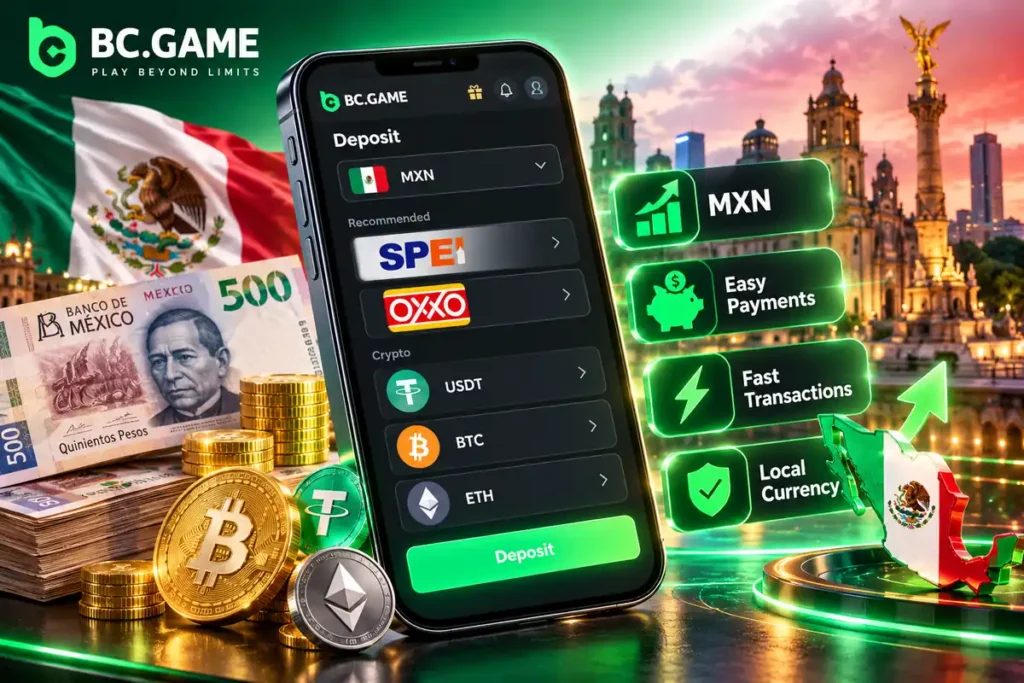
Paying in pesos removes the exchange step. The amount typed in the cashier is the amount that leaves the bank account, so there is no exchange rate to work out. Limits are read in MXN too, which makes it easy to judge whether a $10,000 OXXO cap or a $50,000 SPEI cap fits the planned deposit. Mexican banking apps also handle SPEI natively: the CLABE is pasted, the amount is entered, and the confirmation arrives as a normal bank notification.
Detailed BC Game Deposit Mechanics, Step by Step
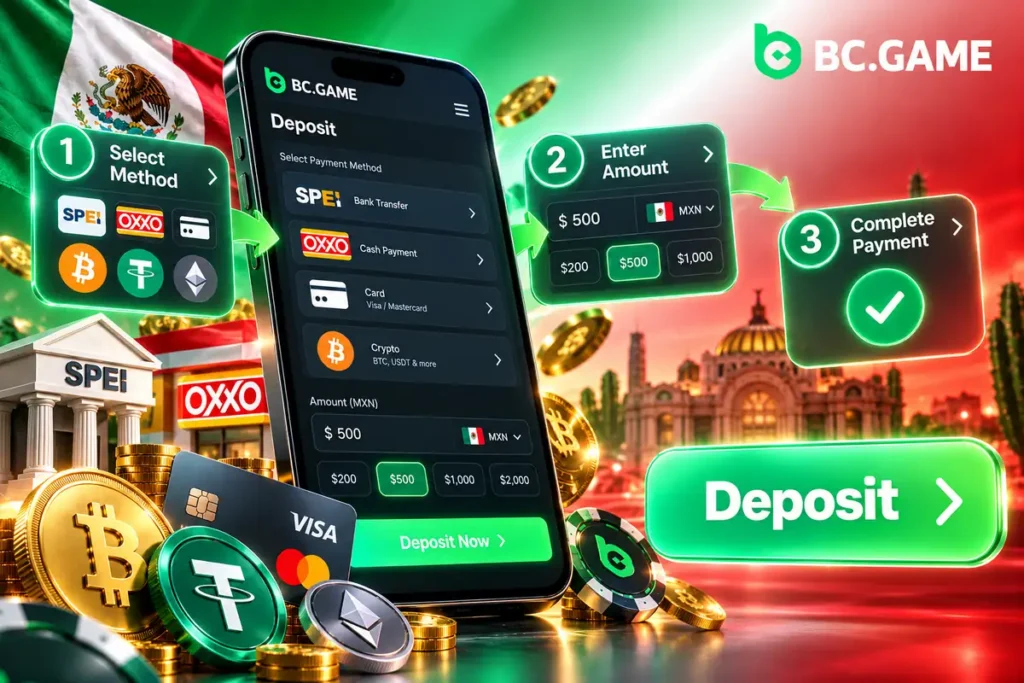
Every method starts the same way and ends with a different type of payment detail. Open the Wallet, choose Deposit, pick MXN and select the method. Two rules apply to all peso payments. The amount sent has to match the amount in the order down to the peso, and each deposit needs a fresh Order ID. A CLABE or reference from an old order should not be reused for a new payment. The three walkthroughs below cover SPEI, OXXO and crypto.
Deposit Mechanics via SPEI (Bank Transfer)
SPEI is the most direct peso route for anyone with a Mexican bank account, because the transfer is sent from the bank’s own app. For each order the cashier shows payment details, which for SPEI usually include a CLABE, the 18-digit interbank account number. Amounts from $10 to $50,000 MXN are accepted.
- Click the button below to open BC.Game, sign in and go to the Wallet, then choose Deposit;
- Select MXN as the currency and SPEI as the payment method;
- Enter the amount to add, in Mexican pesos;
- Confirm the order to see the payment details, usually including the CLABE;
- Open the app of the Mexican bank (BBVA, Banorte, Santander or another SPEI-enabled bank) and send the exact amount to that CLABE;
- Wait for the bank to confirm the transfer, after which the amount is credited to the BC.Game balance.
SPEI Web appears in the cashier as a separate bank-transfer option.
Deposit Mechanics in Cash via OXXO
OXXO suits players who prefer cash or do not want to use a card online. The cashier shows payment details for the order, usually a reference or barcode, and the payment is made at the till of any OXXO store in Mexico. Deposits from $10 to $10,000 MXN are accepted. The paper receipt is the proof if anything needs to be checked later.
- Open the Wallet, choose MXN and select OXXO as the method;
- Enter the deposit amount to create the payment order;
- Note the payment details shown on screen (a reference or barcode) or save the order page;
- Go to any OXXO store in Mexico and show the barcode or give the reference to the cashier;
- Pay the exact amount in cash;
- Wait for the OXXO network to register the payment, after which the balance is credited.
OXXOPAY and CASH are listed among the MXN methods, and their details are shown in the cashier.
Deposit Mechanics Through Cryptocurrencies (USDT, BTC, ETH)
Crypto deposits skip the bank entirely. Pick the token in the cashier (USDT, BTC, ETH, LTC, DOGE and BNB are among the common choices), then choose the network. For USDT this step matters most: TRC20 and BEP20 are different networks with different addresses, and a transfer sent on the wrong one may never reach the balance. After that, copy the wallet address or scan the QR code and send the funds from a personal wallet or an exchange account. The minimum amount depends on the token and the network, and the deposit screen should be checked for it before anything is sent. A deposit counts once the network confirms the transaction, which takes longer when a chain is congested.
How to Deposit from the Mobile App (Android and iOS)
What changes on a phone is how the platform is opened. Android installs it from an APK file, and iPhone and iPad use a web app added to the Home Screen. Both routes lead to the Wallet and the Deposit screen, and the cashier lists the methods available there.
Installing the APK File on Android Devices
Android installs the app from an APK file downloaded from the official site, which is why the system asks for a permission during setup.
- Click the button below to open the official BC.Game site on the smartphone;
- Tap the button that downloads the .apk installation file;
- In the Android security settings, allow installation from unknown sources;
- Open the downloaded file in the Downloads folder and confirm the installation;
- Launch the app, sign in and open the Wallet to make a deposit.
APK files forwarded in messengers or hosted on third-party pages can carry malware, so only the official site is a safe source.
Setting Up the Web App (PWA) on iOS (iPhone and iPad)
iPhone and iPad do not use an APK. BC.Game opens in Safari and is added to the Home Screen as a shortcut that launches like an app. It is a shortcut to the web version, not a separate native program, so the cashier and the account history match what the browser shows.
- Open the BC.Game site in Safari on the iPhone;
- Tap the Share button on the bottom bar;
- Choose “Add to Home Screen”;
- Enter the name BC.Game and confirm the addition;
- Launch the shortcut from the Home Screen and open the mobile cashier.
Technical Requirements and Mobile App Performance for Payments
A deposit is a light operation: a page, a form and a banking or wallet app. What matters is a current browser, a stable connection and a screen lock on the phone. The table compares the two mobile routes in terms that affect payments.
Table 2. Technical specifications for the BC.Game mobile app (Android APK and iOS PWA)
| Attribute | Android APK | iOS PWA | Recommended Specification |
| Installation route | APK file from the official site | Add to Home Screen from Safari | Official site only |
| Browser used for setup | Chrome | Safari | Current browser version |
| Permission needed | Installation from unknown sources | None beyond adding the shortcut | Switch the unknown-sources permission off again after installing |
| Access to the cashier | Wallet, then Deposit | Wallet, then Deposit | Open the Wallet from the app icon, not from a link in a message |
| Saved credentials | Fingerprint or face recognition through the browser or a password manager | Face ID or Touch ID through saved credentials | Screen lock enabled |
| Connection | Wi-Fi or mobile data | Wi-Fi or mobile data | Stable connection; avoid public Wi-Fi for payments |
Biometric Security and Successful Deposit Notifications
Biometric protection works at device level. Face ID, Touch ID or an Android fingerprint sensor releases saved credentials in the browser or a password manager, and the same check approves the transfer inside the bank’s own app. Deposit status can be followed in the transaction history of the account, and the bank’s own app confirms the transfer that was sent.
- Face ID, Touch ID or a fingerprint fills in saved credentials, so the password is not typed in public places;
- The bank’s biometric check approves the SPEI transfer before the money leaves the account;
- The transaction history of the account shows whether a deposit has been credited, which should be checked after every payment;
- The bank app’s notification confirms that the transfer left the account, which is the first thing to check if a deposit looks late.
Processing Times and SPEI-Compatible Banks in Mexico
The sending bank is only one factor in how fast a SPEI transfer moves. What decides the result is accuracy: the right CLABE and the current order. The table lists examples of banks that can send SPEI and what to expect from each.
Table 3. Credit times by issuing bank in Mexico
| Issuing Bank | SPEI Method | Average Time | Priority Level |
| BBVA Mexico, Banorte, Santander | App transfer to the generated CLABE | Depends on the bank and on the payment confirmation | No bank-specific priority; the exact CLABE and amount matter most |
| Citibanamex and HSBC | App or online banking transfer to the CLABE | Depends on the bank and on the payment confirmation | No bank-specific priority |
| Banco Azteca | Transfer from the bank’s own channel to the CLABE | Depends on the bank and on the payment confirmation | No bank-specific priority |
| Any other Mexican bank | Any account able to send SPEI | Depends on the bank and on the payment confirmation | No bank-specific priority; the daily transfer limit is set by the bank |
Recommendations to Avoid Transfer Delays
Many delays trace back to small input mistakes rather than to the banks. A few habits remove nearly all of them.
- Paste the CLABE instead of typing it, and compare the digits with the order on screen;
- Send the exact amount from the order, without rounding up or down;
- Keep the receipts and screenshots of the transfer until the balance is credited;
- Open the order page again before sending, since a CLABE from an old order should not be reused.
Security, KYC Verification and Protection of Your Transactions
Money movements deserve more care than casual browsing. The platform works over a protected connection, the account can be protected with 2FA where offered, and identity verification is part of the payout process. Before registering or playing, check the local laws on online entertainment in your jurisdiction. Participation is for adults aged 18+ only.
SSL Encryption and Two-Factor Authentication (2FA)
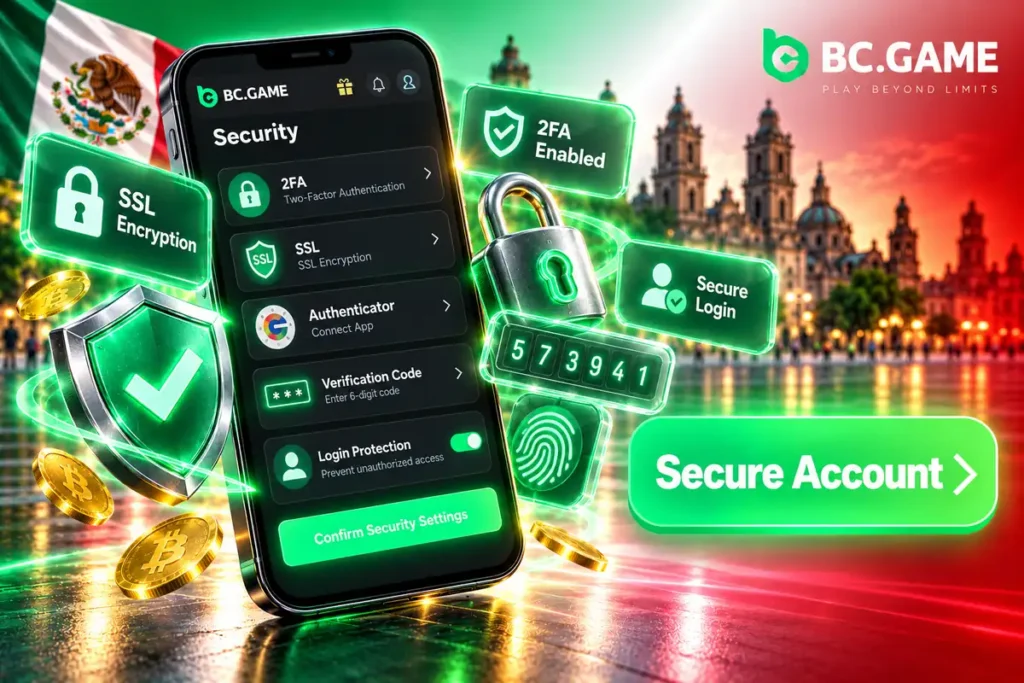
The padlock in the address bar shows that the page loads over an encrypted HTTPS connection, which protects the data sent between the phone and the platform. The second layer is 2FA. Where the account offers it, 2FA is set up in the security settings by linking an authenticator app such as Google Authenticator. From then on, sign-ins ask for a fresh code from the app. Any recovery key shown during setup should be stored on paper or offline, away from the phone, since it helps restore the authenticator on a new device.
Importance of KYC Verification for Financial Operations
KYC is required before the first withdrawal, so it is smart to complete the check early and avoid waiting when the first payout is due.
- It is a condition for the first withdrawal, so a completed check avoids a wait at the moment winnings are ready to leave;
- Withdrawals go to a SPEI or bank account in the account holder’s name, and the verified identity has to match it;
- It protects the account against fraud and against payouts requested by someone else.
Troubleshooting Common Problems with a BC Game Deposit
Problems at the cashier are usually small and fixable. The next two sections cover the most frequent ones: a peso transfer that is slow to arrive and a crypto deposit sent over the wrong network. In both cases, the first step is to collect the available proof: receipts, screenshots and the Order ID.
What to Do if Your SPEI or OXXO Deposit Takes Longer Than Expected
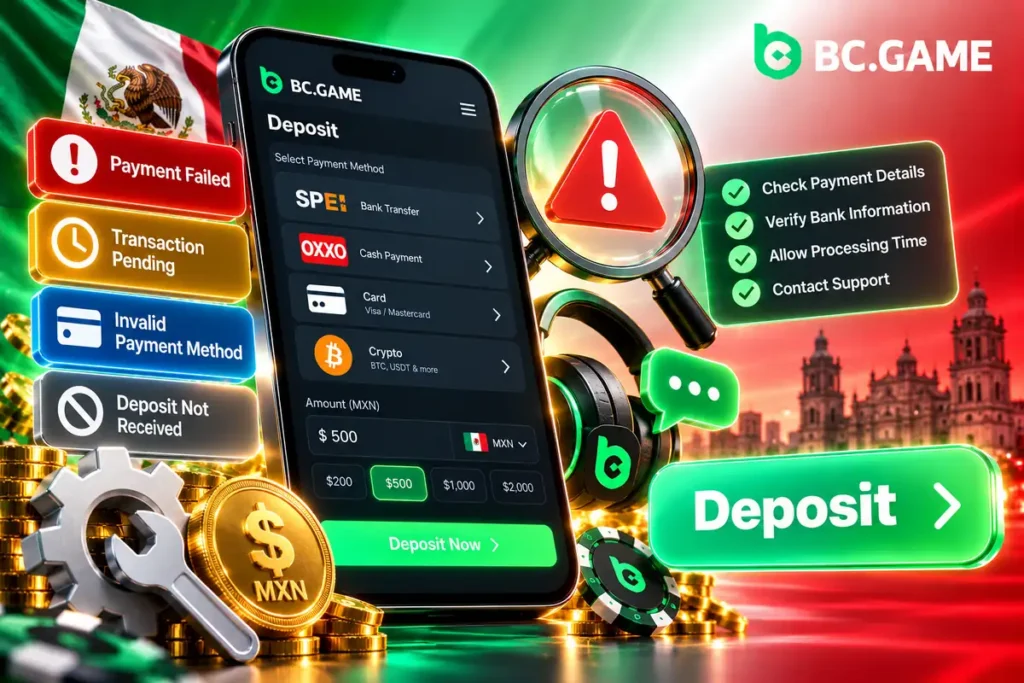
Start with the bank. The banking app shows whether the SPEI transfer was completed, and the OXXO receipt confirms that the cash payment was made. Next, open the transaction history of the account and look for the order. If the transfer is complete but the balance has not changed, compare the amount and the CLABE or reference with the order, since a small difference can hold up the credit. When everything matches and the balance is still not updated, contact live chat support and send the receipt details, the transfer confirmation and the Order ID.
Common Errors When Choosing the Network in Crypto Deposits
A crypto deposit has no bank to call, which makes the checks before sending the important part. The address and the network have to belong together, and the amount must clear the minimum for that token.
- Check that the network chosen in the cashier is the network used by the sending wallet or exchange (TRC20 and BEP20 for USDT are not interchangeable);
- Copy the address again for every deposit instead of reusing an old one;
- Compare the amount with the minimum for the token, since smaller transfers may not be credited;
- Send a small test amount first when moving a large sum for the first time, keeping it above the minimum.